

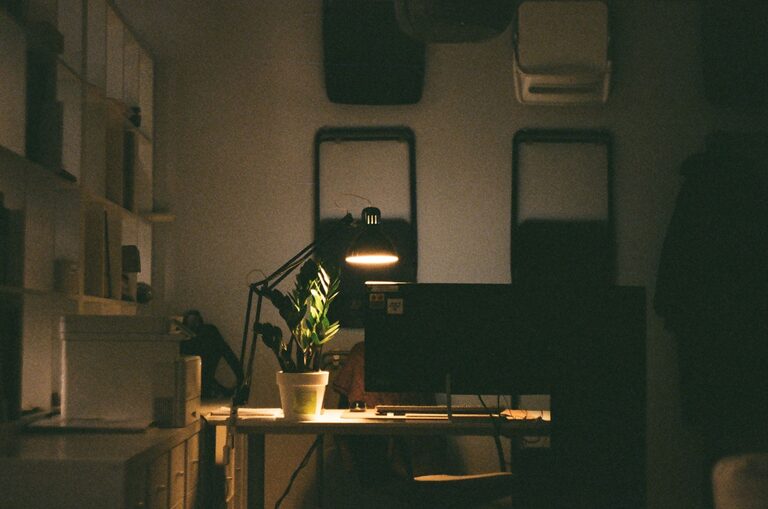
Creating a cozy and functional home workspace is essential for anyone who spends significant time working from home. A well-designed workspace not only enhances productivity but also encourages comfort, focus, and creativity. Whether you have a dedicated room or just a corner in your living space, applying thoughtful design and organization can make a big difference. In this post, we’ll explore helpful tips to set up a home workspace that feels inviting while meeting your work needs.
Choose the Right Location
Consider Natural Light and Noise Levels
Start by selecting a spot that suits your work habits. Natural light is not only easier on the eyes but can improve mood and energy levels. If possible, choose a space near a window to enjoy daylight and fresh air. Avoid areas with heavy foot traffic or loud noises that might disrupt concentration.
Assess Space and Privacy Needs
Think about how much room you need based on the type of work you do. If privacy is important for calls or meetings, a quieter and more enclosed area is ideal. Even a small space can work if you organize it effectively and minimize distractions.
Invest in Comfortable and Functional Furniture
Ergonomic Chair and Desk
Your comfort is key during long hours of work. An ergonomic chair supports good posture, reducing the risk of discomfort or injury. Pair it with a desk at the right height for typing and writing. Adjustable options offer more flexibility to suit your body and tasks.
Multi-Purpose Furniture
If space is limited, consider furniture that serves multiple purposes—like a desk with built-in storage or a foldable table. This helps maintain a tidy area without feeling cramped.
Organize for Efficiency
Declutter Regularly
A clutter-free workspace promotes mental clarity. Keep only the essentials on your desk and store other items in drawers or shelves. Regularly review your space to remove anything unnecessary.
Use Storage Solutions
Use organizers, trays, and containers to keep supplies like pens, notebooks, and chargers neatly arranged. Labeling items can save time and prevent messes.
Cable Management
Tangled cables can be distracting and hazardous. Invest in cable clips, sleeves, or boxes to keep cords organized and out of sight.
Add Personal Touches for Coziness
Incorporate Soft Textures
Adding a cozy rug, cushions, or a throw blanket can make your workspace feel warmer and more inviting. These elements add comfort and reduce the starkness of a typical office setup.
Use Calming Colors
Choose colors that create a relaxing atmosphere without impairing focus. Soft blues, greens, or warm neutrals work well. You can add these colors through wall paint, accessories, or artwork.
Display Meaningful Decor
Personal items like photos, plants, or artwork can boost your mood and inspire creativity. Keep decorations simple to avoid clutter but ensure they reflect your personality.
Optimize Lighting
Combine Natural and Artificial Lighting
Natural light is excellent during the day, but good artificial lighting is essential for early mornings or late evenings. Use a mix of overhead lights and task lamps to reduce eye strain.
Choose Adjustable Lighting
Lamps with adjustable brightness and direction allow you to customize lighting based on the task. Warm light bulbs tend to be gentler on the eyes and create a cozier environment than harsh, cool lights.
Incorporate Greenery
Adding plants to your workspace offers both aesthetic and health benefits. Plants improve air quality and can reduce stress. Choose low-maintenance varieties like succulents, snake plants, or pothos to keep things simple.
Set Up Technology Thoughtfully
Ensure Reliable Internet and Equipment
A smooth workflow depends on stable internet and functional devices. Test your connection and invest in quality equipment like keyboards, mice, or headphones suited to your work.
Minimize Screen Glare
Position your computer screen to avoid glare from windows or lights, which can cause eye fatigue. Using anti-glare screen protectors or adjusting brightness settings can help.
Create a Routine and Boundaries
Define Work Hours
Designating specific work hours helps maintain balance between professional tasks and personal life. Your physical workspace supports this routine by being a place “for work” rather than relaxation.
Take Breaks and Move Around
Even the best workspace won’t replace the benefits of movement. Schedule short breaks to stretch, walk, or rest your eyes. Keeping a water bottle nearby can remind you to stay hydrated.
—
By combining thoughtful organization, comfortable furniture, personal touches, and good lighting, you can create a home workspace that supports productivity while feeling cozy and welcoming. Remember, the best setup suits your unique needs and preferences—don’t hesitate to adjust your space over time to find what works best for you.